
WHAT WE SHIPPED
Changelog
What changed, and what it means for you.
September 26, 2026
Put your own intro and outro in every video, run your team without asking us, and take your courses onto a phone. Videos now carry subtitles, and a video that fails costs you nothing.
Your intro and outro, in every video
Your brand team made an intro once. Now every course can use it. Attach the clip and it plays full screen exactly as you made it, as an intro, a transition or an outro, with nothing talked over it. It stays in your library for the next course.
Run your own team
Add colleagues, change their roles and decide what each author may do, all from Settings. If an author is not allowed to publish, the button becomes Request to publish, and the administrator approves or declines it from Notifications, with a reason the author can read.
Built for the phone
Building, learning and playing a course all work on a small screen, with Back and Next under the thumb and the course outline one tap away.
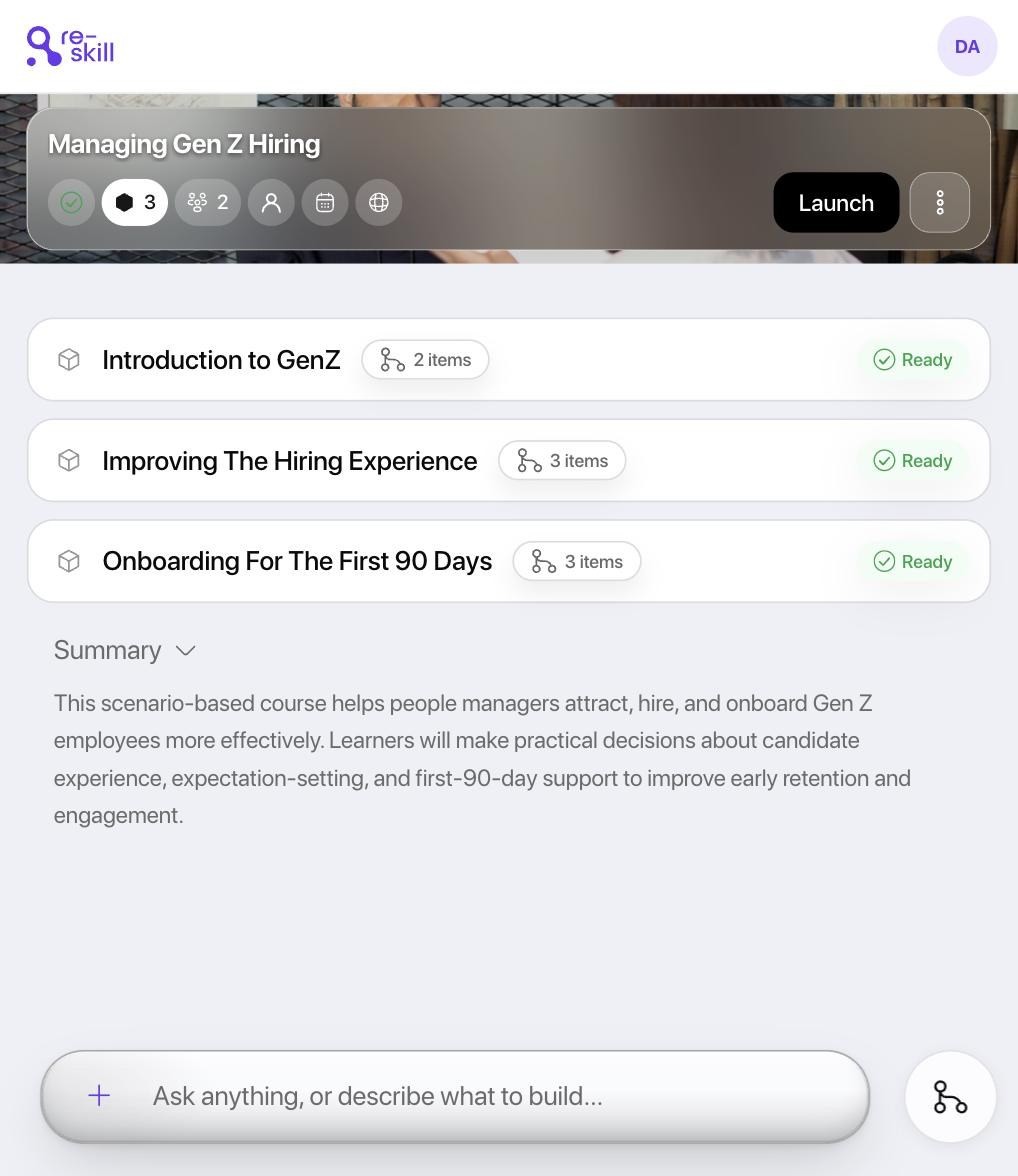
Subtitles learners can switch on
New videos carry subtitles in their own language, Arabic included, behind a CC button, and they go with the course into your LMS. You can also download a single video or slide deck, named after its lesson.
A failed video costs nothing
If a video fails, your credits come straight back, automatically. While a video is being made, you can see how far along it is.
September 23, 2026
Your course now leaves Re-skill as a single file that any LMS can play, and it looks the same everywhere. You can preview exactly what you are handing over, see who a change will affect before you make it, and pull a course back from every LMS in one step.
Put your course in any LMS
Whatever LMS your organisation, a subsidiary or a client uses, the course goes in as it is. Pick cmi5, SCORM 1.2 or SCORM 2004 and download one file. It carries its own player, so every lesson looks exactly as you built it, and completion, scores and progress flow back as learners go.
You choose how the media travels. Bundled packs everything into the file, so it plays even offline. Brokered keeps the media with us, so when a policy changes you can withdraw the old course from every LMS it went to, in one step.
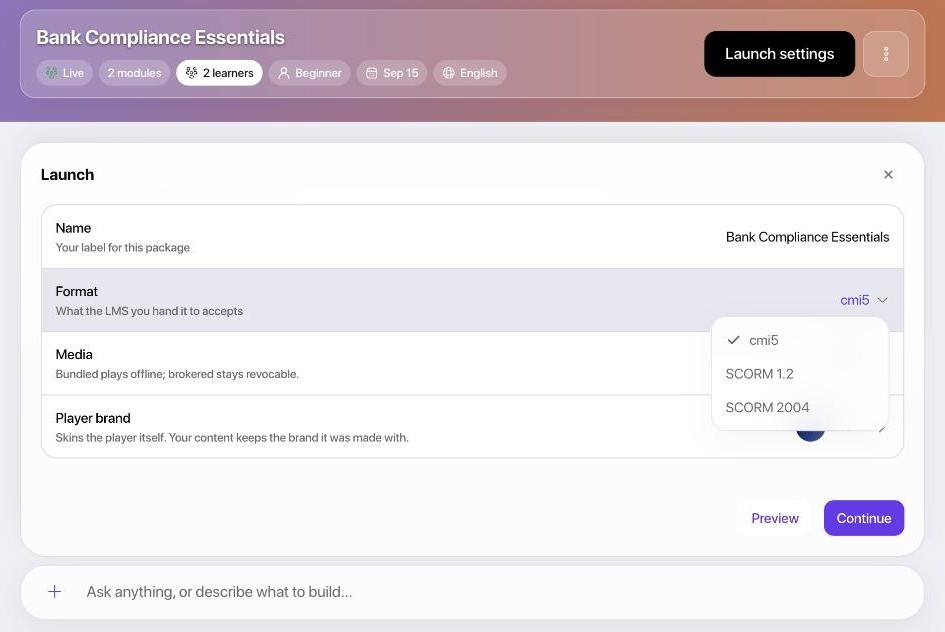
See exactly what you are handing over
Preview opens the real file in the real player, right next to the course, so what your reviewer approves is what your learners get. Pick the brand the player wears, and the package is built in exactly the brand you saw.
Change a course without surprising anyone
One panel controls where a course runs: on Re-skill, in another LMS, or both. Before you take a course offline or limit who can see it, you are told how many people it affects, and that their progress is kept.
You can see how each learner joined and whether their invitation actually arrived. And nothing changes behind your back: a fix that needs a judgement call asks you first.

Learners get a place of their own
Learners sign in to their own space and see every course you have given them. An invitation link takes them straight into the course. Their progress follows them from laptop to phone, and they reset a forgotten password themselves instead of calling IT. Available in four languages, in light or dark.
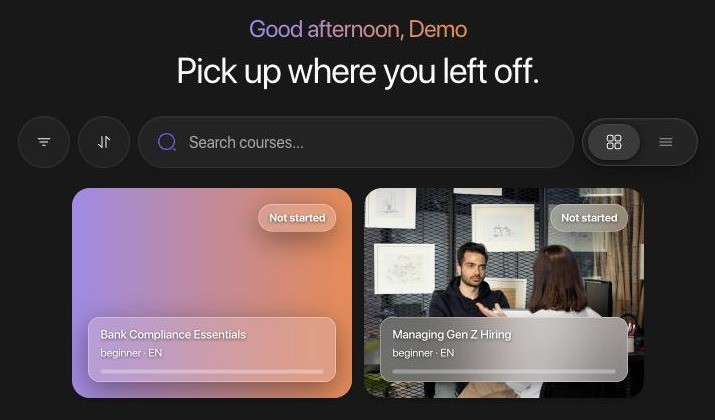
Scores you can stand behind
Quizzes ask one question at a time and cannot be skipped, and attempt limits hold, so a score means what it says when an auditor asks. Courses end on a clear completion screen with the score, and certificates carry the learner's name in the language of the course.
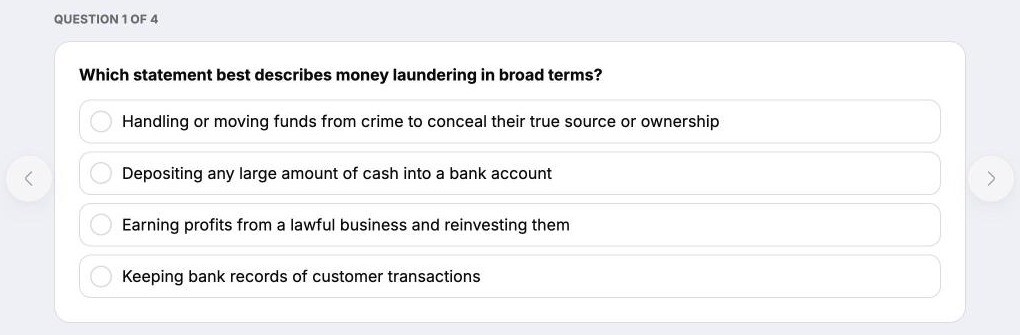
Built from your documents
Courses draw on the documents you give them first, so they sound like your policy, not the internet. Images inside your documents land next to the text they explain, and Arabic-speaking authors get a right-to-left interface every time they sign in.
Easier to get through your security review
Course analytics are visible only to your organisation. A file you export carries the course, never your source documents. Your documents are summarised where they are read, so they make fewer trips. Course media is never placed anywhere public, and we no longer ask anyone for a date of birth or gender, and have deleted what we had.
September 7, 2026
You stop briefing the tool. Re-skill now learns your organisation from your website and your brand book, so the first course already sounds and looks like you, and the ones after it never ask you to explain yourself again.
Your first course already knows who you are
The brief you used to write for an agency, and the first two rounds of "that is not how we say it", are gone. Enter your website and Re-skill comes back with who you are, what you do, the markets you work in, your colours, your typefaces and your logo, each one shown for you to confirm or correct before it counts.
You stay in charge of what is true. Anything Re-skill is not sure of is offered as a suggestion, not saved as fact, and what you have confirmed stays confirmed. It all lives in an Organisation profile in Settings, where any value can be edited or removed.
The introduction arrives in the language of your interface, with company and product names left exactly as they are written, and a presenter is suggested to suit the audience you teach.
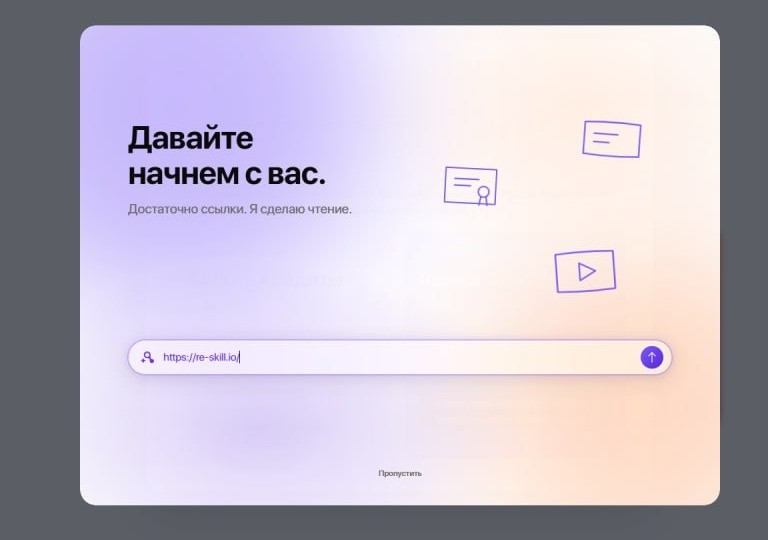

Every course looks like your comms team made it
Without your comms team. Drop a brand book and the palette, typefaces and logos are read out of it and added to your asset library. From then on every course is generated in that brand, so a reviewer never has to send one back for looking like someone else's.
If you serve several brands, an agency with three clients or a group with sub-brands, they sit side by side and you choose per course. Where a course shows a logo, it is the mark on the brand you selected, and nothing where you chose none.
The course is shaped by choices you actually made
No surprises in review. Audience, business context, objective, language, delivery format, brand and presenter are asked up front, up to seven questions in one form, so the course that comes back is the one you asked for. Where the assistant has a view, that option is labelled and placed first, and agreeing costs one keystroke.
Course language is chosen from what Re-skill delivers today, English, Arabic, Russian and Tajik, and a conversation started in one language stays in it through review, fixes and the final report.

When someone asks where a claim came from, the answer is one click
Audit, legal, a reviewer: whoever asks, you can show them. Sources have their own page with search, filtering, sorting and paging, so everything you have ever uploaded or connected is in one place, with its publication date so old material no longer reads as current.
Session history sits in the sidebar and on its own page. Pin the ones you return to, rename them, delete them; deleting a session keeps the courses it created. The Explorer shows what a session is holding, the courses, sources, assets, presenter and brand in play, and updates as the conversation goes. A published course refuses to be deleted, so nobody removes what learners are enrolled in by accident.
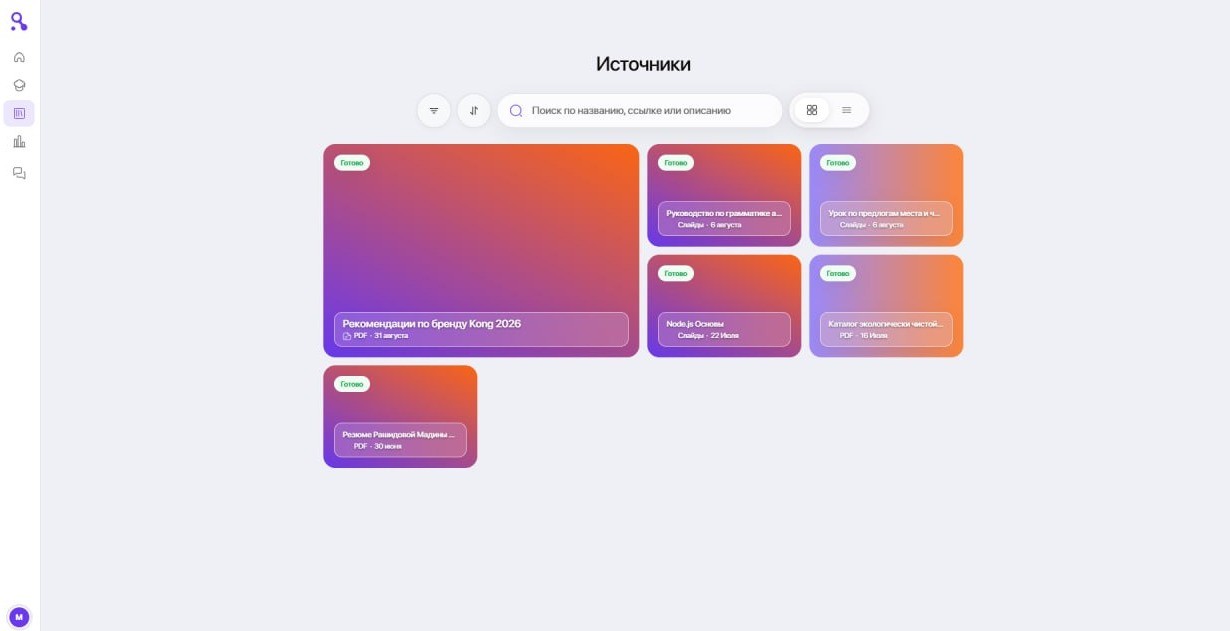
The expert who will never write a document already gave you a lecture
Attach the recording. A lecture video or an audio file is transcribed and used like any other source, so a course can be built from what your best people already said out loud, without asking them for a single page. Large files upload without fuss, and images inside your documents display correctly.
Fewer surprises after the course lands in your LMS
A branched course exports where each path ends, so a learner who passes is never routed into the remedial content. Targeted edits and automatic repairs now follow the rules of the lesson type they touch, and the assistant reports work when it is finished, not when it starts. A quiz has one pass mark.
Creating a presenter is one screen: photo, name, gender, voice and visibility together, with a check that the photo shows a single face. Presenters can be deleted and their default look changed. Narration carries the intended tone.
Replies begin sooner and large accounts open faster. The credit balance warns before it runs out, so a build never stalls on a Friday afternoon, with a direct way to talk to us about the next plan. Muted text passes contrast in dark mode, pop-ups inside dialogs scroll again, and course PDFs open correctly for learners in offline lessons.
August 18, 2026
Connect the tools your team already writes in, wait less for a course to build, and catch problems before your learners do.
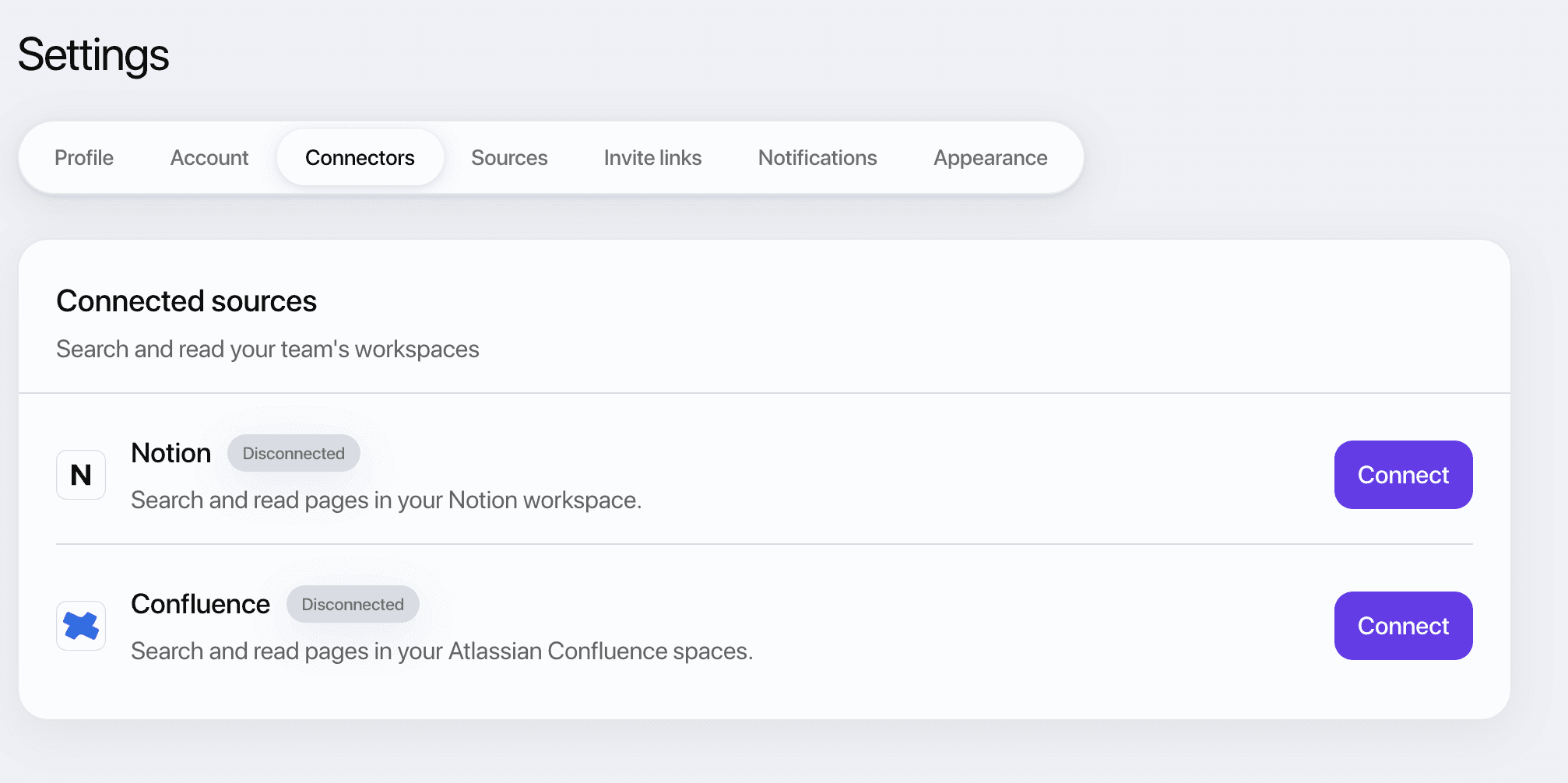
Connect your Notion and Confluence
Point Re-skill at the workspace your team already writes in and it reads those documents directly while it builds a course. No more pasting material into a chat window. Connect once in Settings.
You choose which workspace is in play for each course, so a compliance module is not quietly drawing on last quarter's sales deck. Every source a course was built from is listed in one place, so you can always answer where a claim came from.
You wait less for a course to build
Work that used to happen one item at a time now happens at once. Quiz questions and the lessons inside a module were written sequentially; on a course we measured, ten quiz questions alone accounted for eighty-five seconds of pure waiting.
The quality check used to run inside every generation job, where it took 27% of the total time on that same course. It now runs once, alongside everything else, instead of holding the queue up.
You find the problems before your learners do
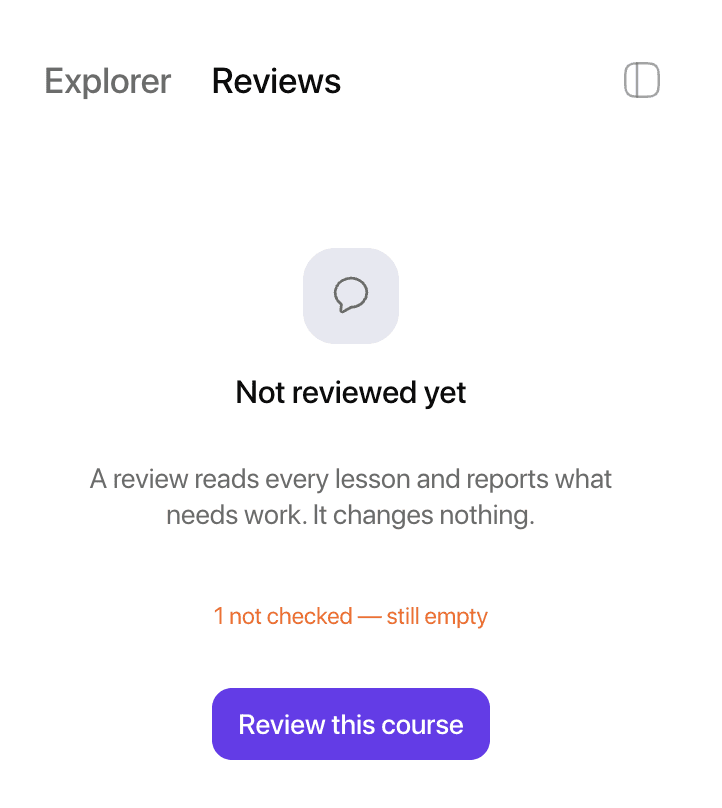
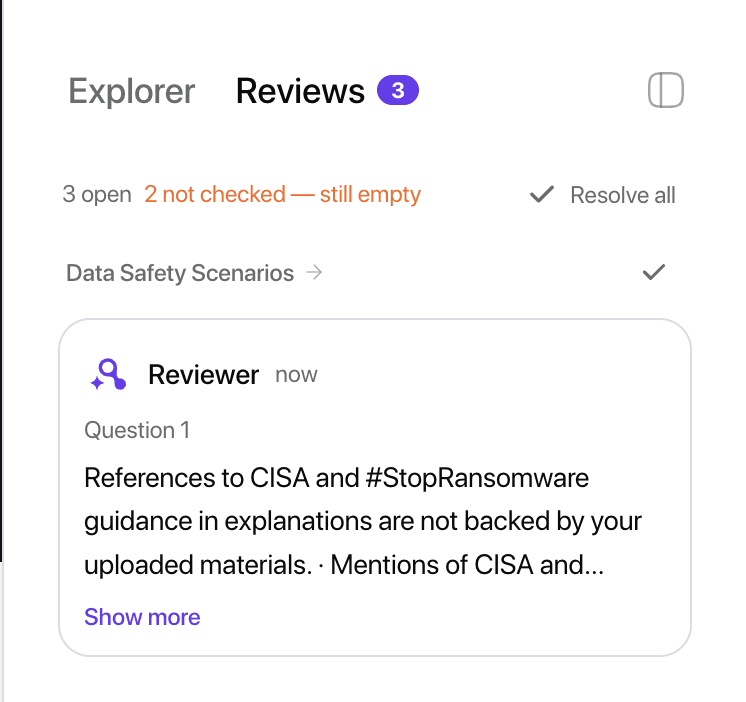
Every course is now checked against what was actually written, and each finding is attached to the exact question, scene or slide it refers to. No hunting.
Findings arrive as a list of things to fix and disappear as you fix them, so what needs your attention is visible while the course is still easy to change.
One link, and they are enrolled
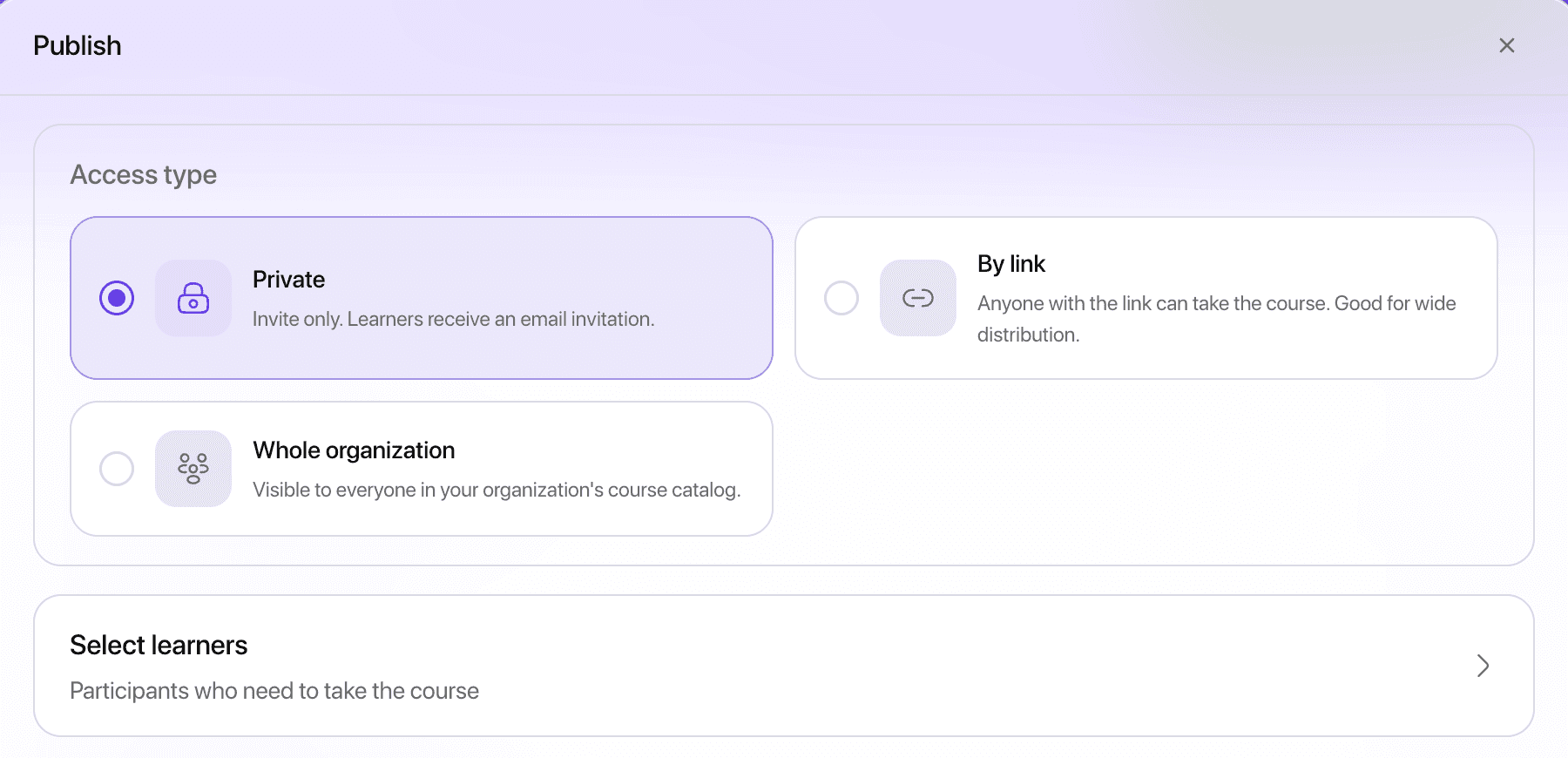
Send a learner a link and they are registered and enrolled in a single step. No account setup to talk them through, no second email.
You can remove people you invited by mistake, see how each learner was enrolled, and filter the list down to who has actually finished.
Change your mind without starting over
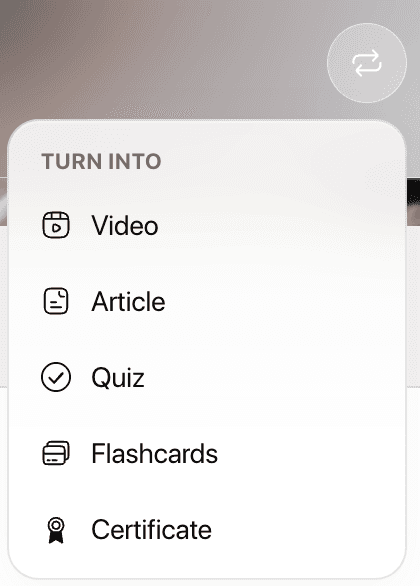
A lesson can become a different kind of lesson. An article turns into a video, a video into a quiz, and it keeps its place in the course.
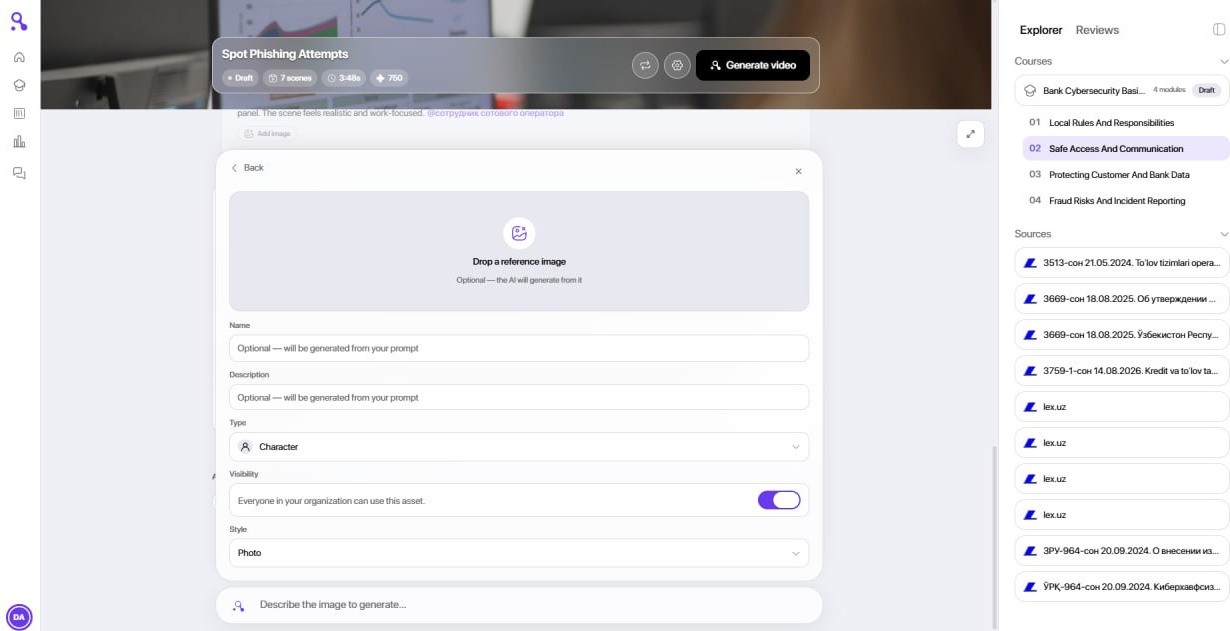
You can also generate your own characters and environments, pick a voice from a catalogue rather than accepting the default, and choose where images come from. The voice now matches the avatar delivering it.
Smaller things that were annoying
New accounts get a guided tour that picks up where you left it, on any device. Error messages say what actually went wrong in plain language. Media generation reports its real status and no longer spends credits when it should not. Uploaded files are served privately. English, Russian and Tajik have all been extended.