
ЧТО МЫ ВЫПУСТИЛИ
Журнал изменений
Что изменилось и что это значит для вас.
26 сентября 2026
Добавляйте свою заставку и концовку в каждое видео, управляйте командой, не обращаясь к нам, и работайте с курсами на телефоне. В роликах появились субтитры, а если видео не удалось создать, это ничего вам не стоит.
Ваша заставка и концовка в каждом видео
Заставку ваша бренд-команда сделала один раз. Теперь её можно вставить в любой курс. Прикрепите ролик, и он воспроизведётся на весь экран точно в том виде, в каком вы его сделали: как вступление, переход или концовка, без наложенной озвучки. Ролик остаётся в вашей библиотеке для следующих курсов.
Управляйте командой сами
Добавляйте коллег, меняйте их роли и решайте, что разрешено каждому автору. Всё это в разделе «Настройки». Если автору нельзя публиковать, кнопка меняется на «Запросить публикацию», а администратор утверждает или отклоняет запрос в разделе «Уведомления» и указывает причину, которую увидит автор.
Удобно на телефоне
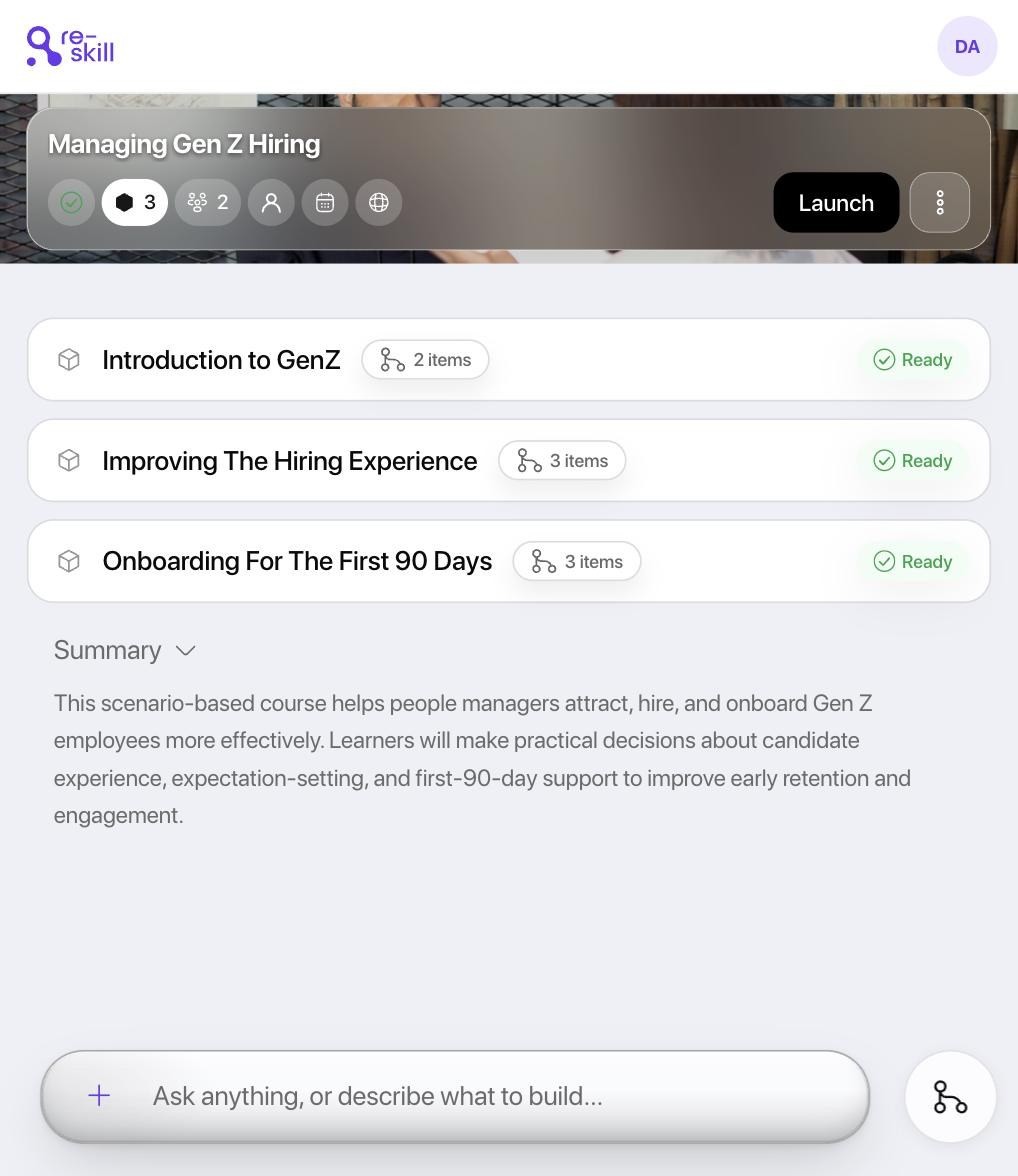
Собирать курс, проходить его и смотреть в плеере теперь можно и на маленьком экране: кнопки «Назад» и «Далее» под большим пальцем, а структура курса открывается одним касанием.
Субтитры, которые слушатель включает сам
Новые видео выходят с субтитрами на языке ролика, в том числе на арабском. Субтитры включаются кнопкой CC и попадают вместе с курсом в вашу LMS. Можно также скачать отдельное видео или набор слайдов: файл будет назван так же, как урок.
Сбой при создании видео ничего не стоит
Если видео не удалось создать, кредиты сразу и автоматически возвращаются. Пока видео создаётся, видно, на каком оно этапе.
23 сентября 2026
Теперь курс выходит из Re-skill одним файлом, который запустит любая LMS, и везде выглядит одинаково. Можно заранее посмотреть, что именно вы передаёте, узнать, кого затронет изменение, ещё до того, как его внести, и одним действием отозвать курс из всех LMS.
Загрузите курс в любую LMS
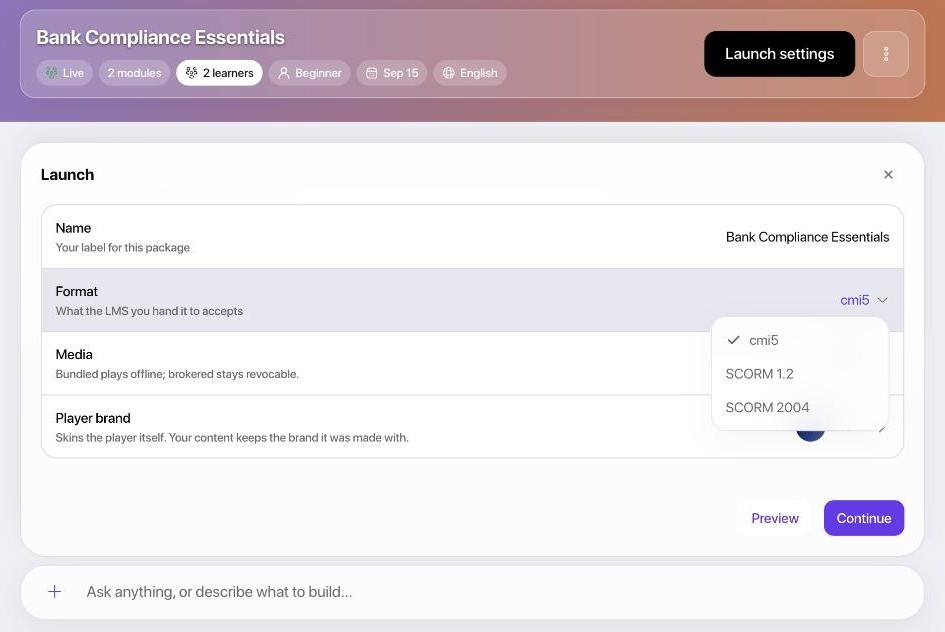
Какую бы LMS ни использовали ваша организация, дочерняя компания или клиент, курс загружается в неё как есть. Выберите cmi5, SCORM 1.2 или SCORM 2004 и скачайте один файл. Внутри него собственный плеер, поэтому каждый урок выглядит точно так, как вы его собрали, а сведения о прохождении, баллы и прогресс поступают обратно по ходу обучения.
Вы сами выбираете, как передаются медиафайлы. В режиме Bundled медиа упакованы в файл, и курс работает даже без интернета. В режиме Brokered они остаются у нас: когда меняется политика компании, вы одним действием отзываете старый курс из всех LMS, куда он был выгружен.
Вы видите ровно то, что передаёте
Предпросмотр открывает настоящий файл в настоящем плеере прямо рядом с курсом, поэтому слушатели получают ровно то, что утвердил проверяющий. Выберите бренд для плеера, и пакет будет собран точно в том оформлении, которое вы видели.
Меняйте курс без сюрпризов
Одна панель определяет, где работает курс: в Re-skill, в другой LMS или и там, и там. Прежде чем снять курс с публикации или ограничить к нему доступ, вы узнаете, скольких людей это затронет, и получите подтверждение, что их прогресс сохранится.
Вы видите, как каждый слушатель попал в курс и дошло ли до него приглашение. И ничего не меняется за вашей спиной: если исправление требует взвешенного решения, система сначала спросит вас.

У слушателей появился личный кабинет
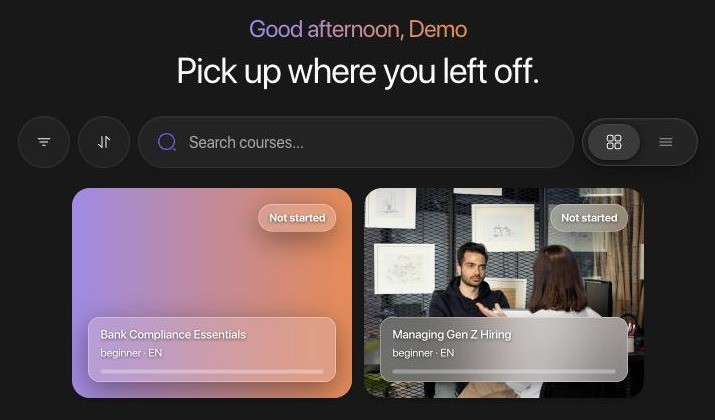
Слушатели входят в личный кабинет и видят все курсы, которые вы им назначили. Ссылка-приглашение ведёт сразу в курс. Прогресс переходит вместе с ними с ноутбука на телефон, а забытый пароль они сбрасывают сами, не обращаясь в ИТ-отдел. Доступно на четырёх языках, в светлой и тёмной теме.
Результатам можно доверять
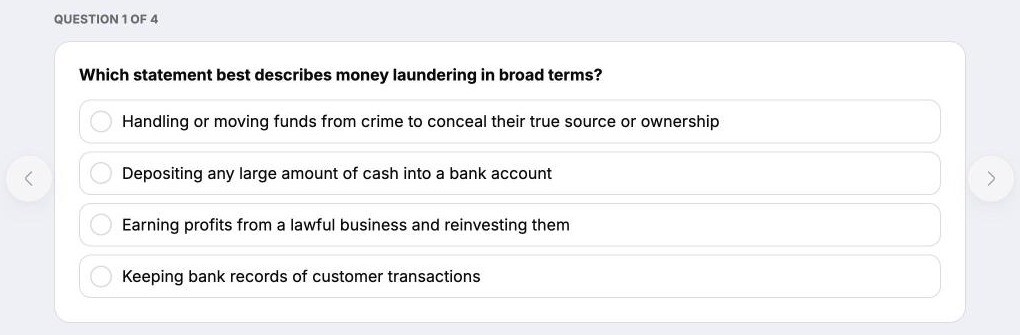
В тестах вопросы идут по одному, пропустить их нельзя, а ограничение на число попыток действительно работает. Поэтому, если спросит аудитор, балл означает ровно то, что показывает. Курс завершается понятным экраном с итоговым баллом, а в сертификате имя слушателя указано на языке курса.
На основе ваших документов
Курсы в первую очередь опираются на документы, которые вы загрузили, поэтому говорят языком ваших внутренних политик, а не интернета. Изображения из ваших документов встают рядом с текстом, который они поясняют, а арабоязычные авторы при каждом входе получают интерфейс с направлением справа налево.
Проще пройти проверку безопасности
Аналитику курса видит только ваша организация. В экспортированный файл попадает курс, но никогда не попадают исходные документы. Краткое содержание документов готовится там же, где они читаются, поэтому сами документы реже передаются. Медиафайлы курсов никогда не размещаются в открытом доступе. Мы больше ни у кого не запрашиваем дату рождения и пол, а данные, которые у нас были, удалили.
7 сентября 2026
Больше не нужно писать брифы для инструмента. Теперь Re-skill изучает вашу организацию по сайту и брендбуку, поэтому уже первый курс звучит и выглядит как вы, а для следующих вам не придётся ничего объяснять заново.
Первый курс уже знает, кто вы
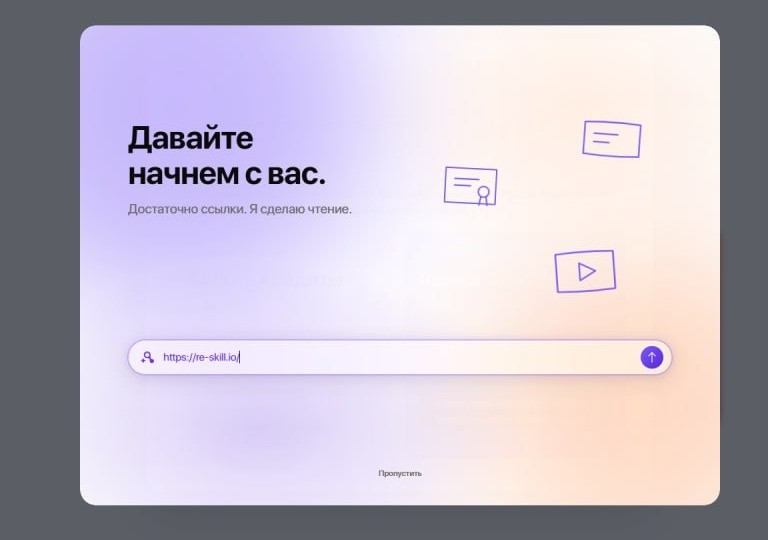
Бриф, который вы раньше писали для агентства, и первые два круга правок в духе «мы так не говорим» ушли в прошлое. Укажите адрес сайта, и Re-skill сам определит, кто вы, чем занимаетесь, на каких рынках работаете, а также ваши цвета, шрифты и логотип. Каждый пункт вы подтверждаете или исправляете, прежде чем он будет учтён.
Что верно, а что нет, решаете вы. Всё, в чём Re-skill не уверен, предлагается как вариант и не сохраняется как факт. То, что вы подтвердили, остаётся подтверждённым. Всё это хранится в профиле организации в настройках, где любое значение можно изменить или удалить.
Вводное видео создаётся на языке вашего интерфейса. Названия компании и продуктов остаются ровно в том написании, что у вас, а ведущий подбирается под аудиторию, которую вы обучаете.

Каждый курс выглядит как работа вашего отдела коммуникаций
Но без участия отдела коммуникаций. Загрузите брендбук, и палитра, шрифты и логотипы будут извлечены из него и добавлены в вашу библиотеку ресурсов. С этого момента каждый курс создаётся в этом бренде, и проверяющему не придётся возвращать курс из-за того, что он выглядит чужим.
Если вы ведёте несколько брендов (например, вы агентство с тремя клиентами или группа компаний с суббрендами), они хранятся рядом, и для каждого курса вы выбираете нужный. Где в курсе есть логотип, это знак выбранного вами бренда, а где бренд не выбран, логотипа нет.
Курс строится на решениях, которые приняли вы
Никаких сюрпризов на проверке. Аудиторию, бизнес-контекст, цель, язык, формат подачи, бренд и ведущего вы задаёте заранее: до семи вопросов в одной форме. Поэтому вы получаете именно тот курс, который просили. Если у ассистента есть рекомендация, этот вариант помечен и стоит первым, а чтобы согласиться, достаточно нажать одну клавишу.
Язык курса выбирается из тех, что Re-skill поддерживает сегодня: английский, арабский, русский и таджикский. Разговор, начатый на одном языке, на нём и продолжается: при проверке, исправлениях и в итоговом отчёте.

Спросили, откуда взят тезис? Ответ в один клик
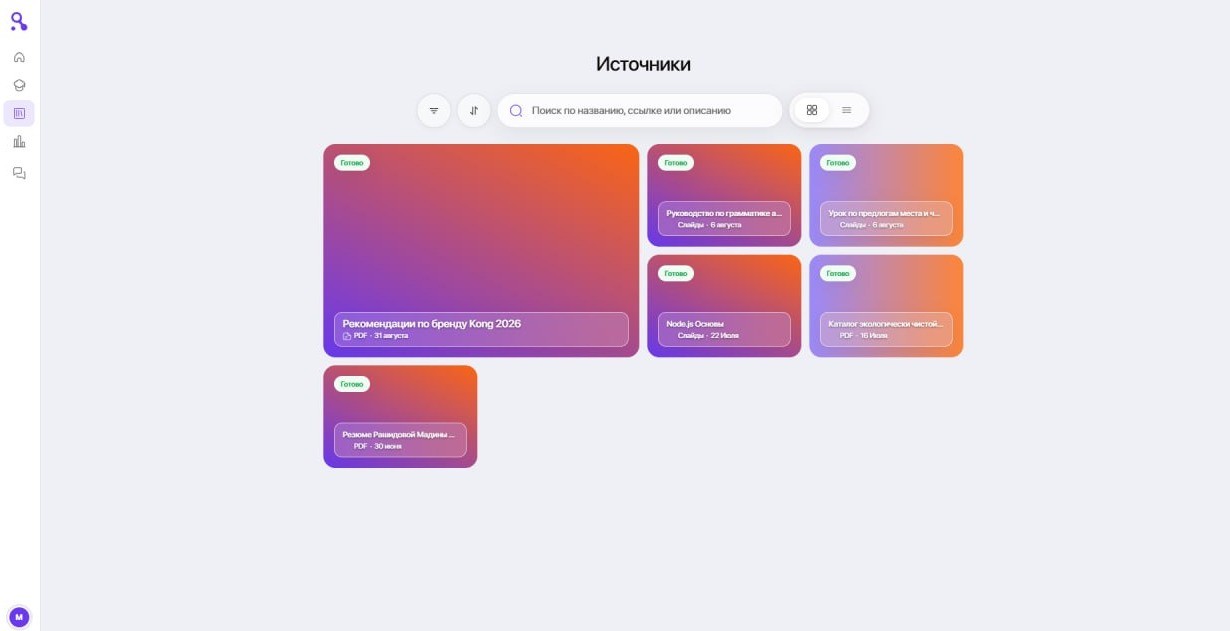
Аудит, юристы, проверяющий: кто бы ни спросил, вам есть что показать. У источников теперь своя страница с поиском, фильтрами, сортировкой и постраничным просмотром. Всё, что вы когда-либо загружали или подключали, собрано в одном месте вместе с датой публикации, поэтому старые материалы больше не выглядят актуальными.
История сессий находится на боковой панели и на отдельной странице. Нужные сессии можно закрепить, переименовать или удалить; при удалении сессии созданные в ней курсы сохраняются. Explorer показывает, что задействовано в сессии: курсы, источники, ассеты, ведущий и бренд, и обновляется по ходу разговора. Опубликованный курс удалить нельзя, поэтому никто случайно не удалит то, на что уже записаны слушатели.
Эксперт, который никогда не напишет документ, уже прочитал вам лекцию
Прикрепите запись. Видео лекции или аудиофайл расшифровываются и используются как любой другой источник. Так курс можно собрать из того, что ваши лучшие специалисты уже сказали вслух, не прося у них ни страницы текста. Большие файлы загружаются без проблем, а изображения в ваших документах отображаются корректно.
Меньше сюрпризов после загрузки курса в LMS
При экспорте курса с ветвлением каждая ветка заканчивается там, где задумано, поэтому слушатель, сдавший тест, никогда не попадёт в материалы для повторения. Точечные правки и автоматические исправления теперь следуют правилам того типа урока, который они затрагивают, а ассистент сообщает о работе, когда она закончена, а не когда только начата. У теста один проходной балл.
Ведущий создаётся на одном экране: фото, имя, пол, голос и видимость вместе, с проверкой, что на фото одно лицо. Ведущих можно удалять и менять их образ по умолчанию. Озвучка передаёт задуманную интонацию.
Ответы начинают появляться раньше, а большие аккаунты открываются быстрее. Баланс кредитов заранее предупреждает, что они заканчиваются, поэтому сборка не остановится в пятницу вечером, а обсудить с нами следующий тариф можно напрямую. Приглушённый текст в тёмной теме теперь проходит проверку контрастности, всплывающие окна внутри диалогов снова прокручиваются, а PDF-файлы курса корректно открываются у слушателей в офлайн-уроках.
18 августа 2026
Подключайте инструменты, в которых уже пишет ваша команда, меньше ждите сборки курса и находите проблемы раньше слушателей.
Подключите Notion и Confluence
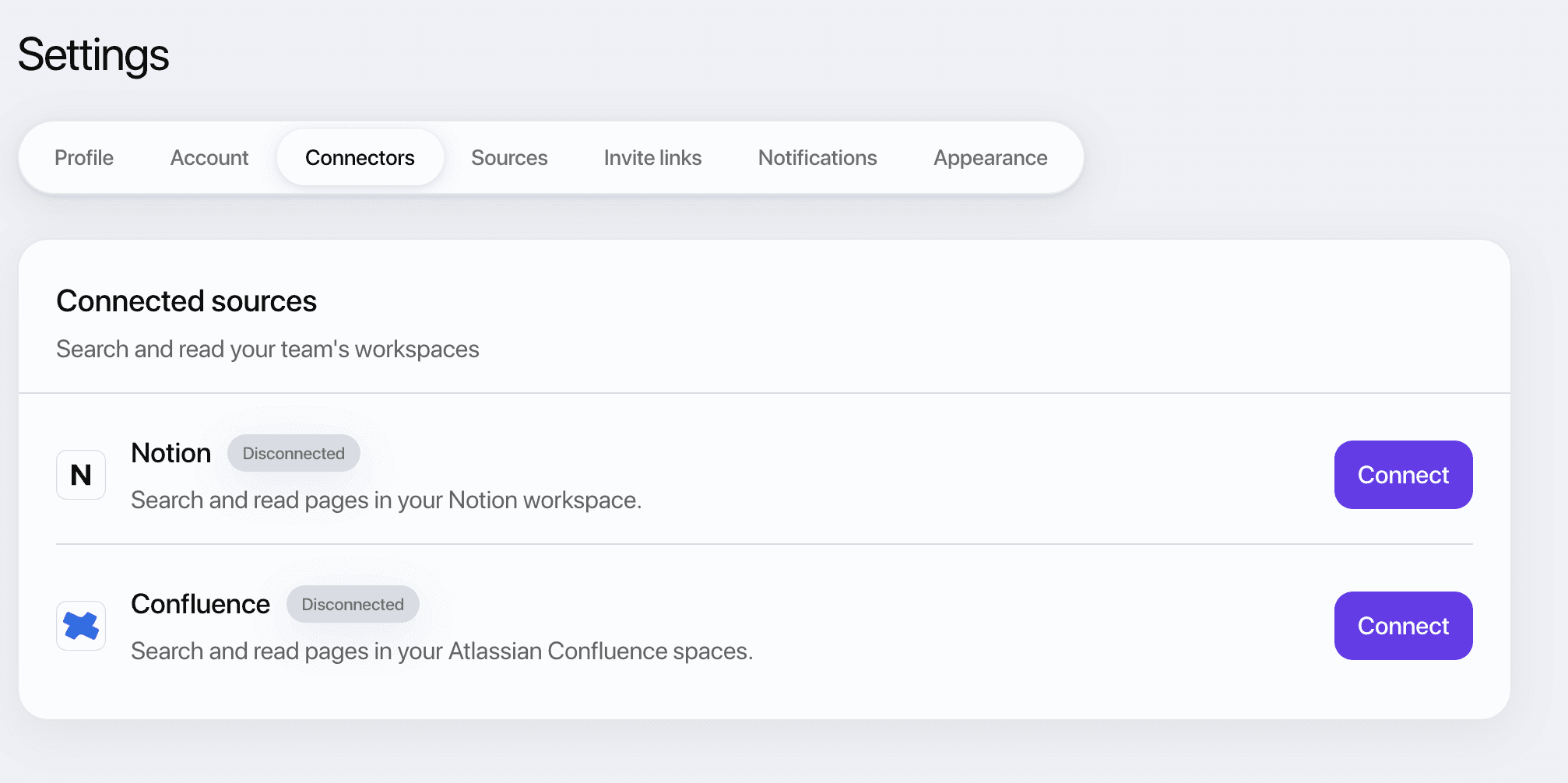
Укажите Re-skill рабочее пространство, где уже пишет ваша команда, и при сборке курса он будет читать документы оттуда напрямую. Больше не нужно копировать материалы в окно чата. Достаточно один раз подключиться в настройках.
Для каждого курса вы выбираете, какое рабочее пространство задействовать, поэтому модуль по комплаенсу не будет незаметно опираться на презентацию отдела продаж за прошлый квартал. Все источники, на которых построен курс, перечислены в одном месте, и вы всегда сможете ответить, откуда взят тот или иной тезис.
Вы меньше ждёте сборки курса
Работа, которая раньше шла по одному элементу, теперь идёт параллельно. Вопросы тестов и уроки внутри модуля писались последовательно; на одном курсе, который мы замерили, только десять вопросов теста давали восемьдесят пять секунд чистого ожидания.
Раньше проверка качества запускалась внутри каждой задачи генерации и на том же курсе занимала 27% всего времени. Теперь она выполняется один раз, параллельно со всем остальным, и не задерживает очередь.
Вы находите проблемы раньше слушателей
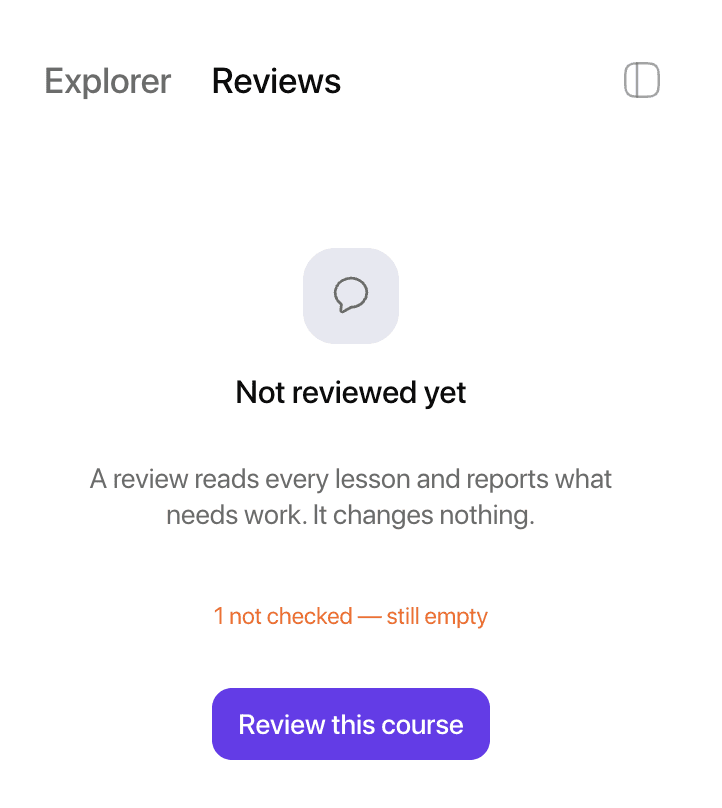
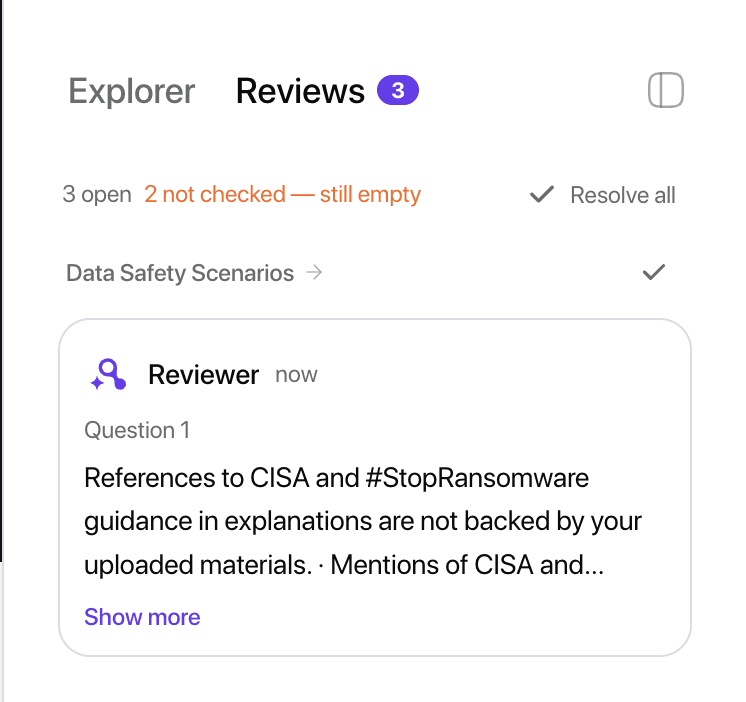
Теперь каждый курс сверяется с тем, что написано на самом деле, а каждое замечание привязано к конкретному вопросу, сцене или слайду. Искать ничего не нужно.
Замечания приходят списком того, что нужно исправить, и исчезают по мере исправления. Так вы видите, что требует внимания, пока курс ещё легко изменить.
Одна ссылка, и слушатель записан
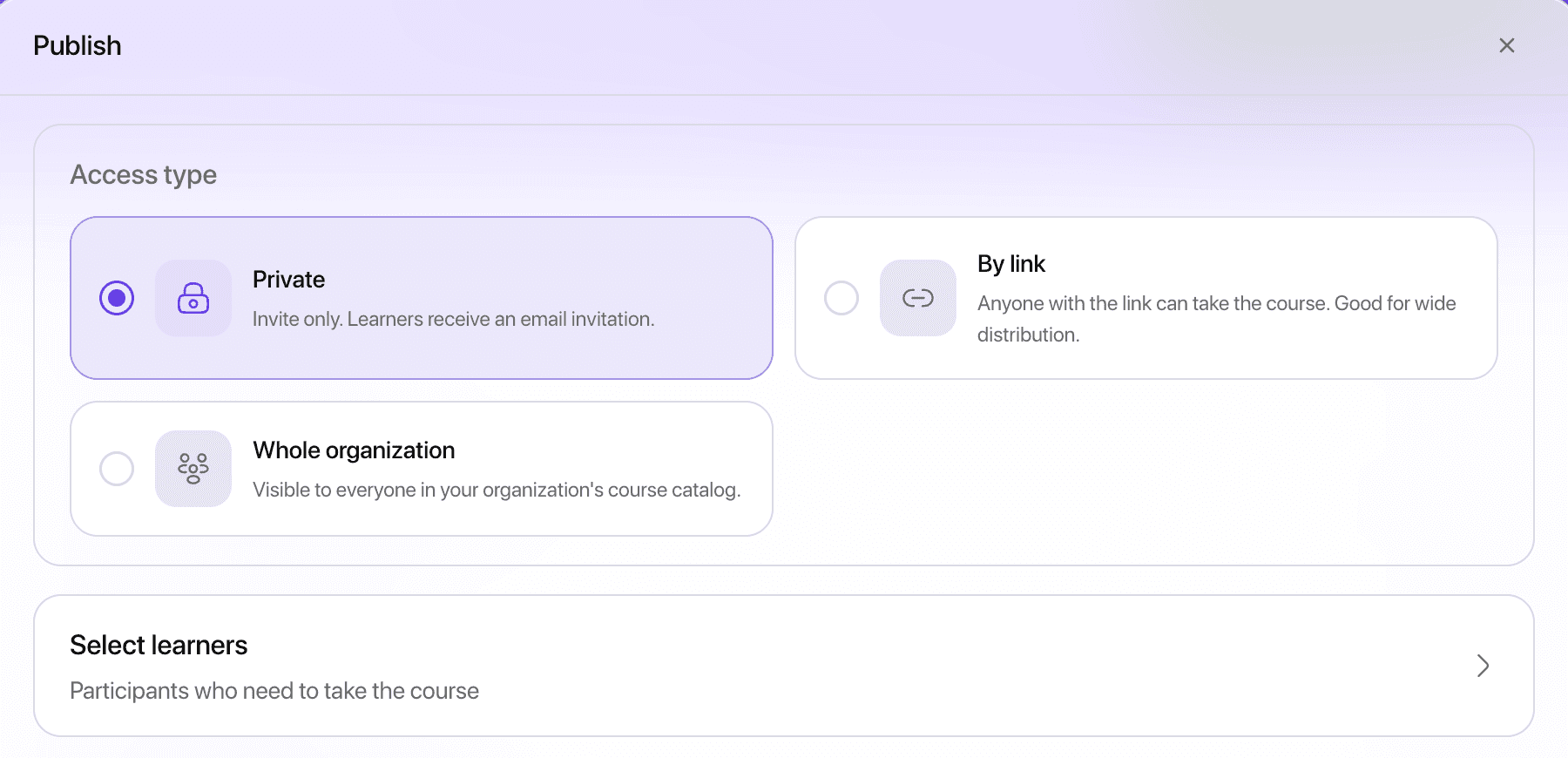
Отправьте слушателю ссылку, и он за один шаг зарегистрируется и запишется на курс. Не нужно объяснять ему, как создать аккаунт, и отправлять второе письмо.
Можно удалить тех, кого пригласили по ошибке, посмотреть, как был записан каждый слушатель, и оставить в списке только тех, кто действительно завершил курс.
Передумали? Начинать заново не нужно
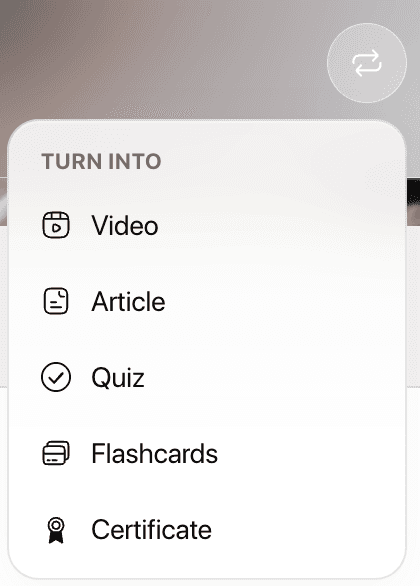
Урок можно превратить в урок другого типа. Статья становится видео, видео становится тестом, а урок остаётся на своём месте в курсе.
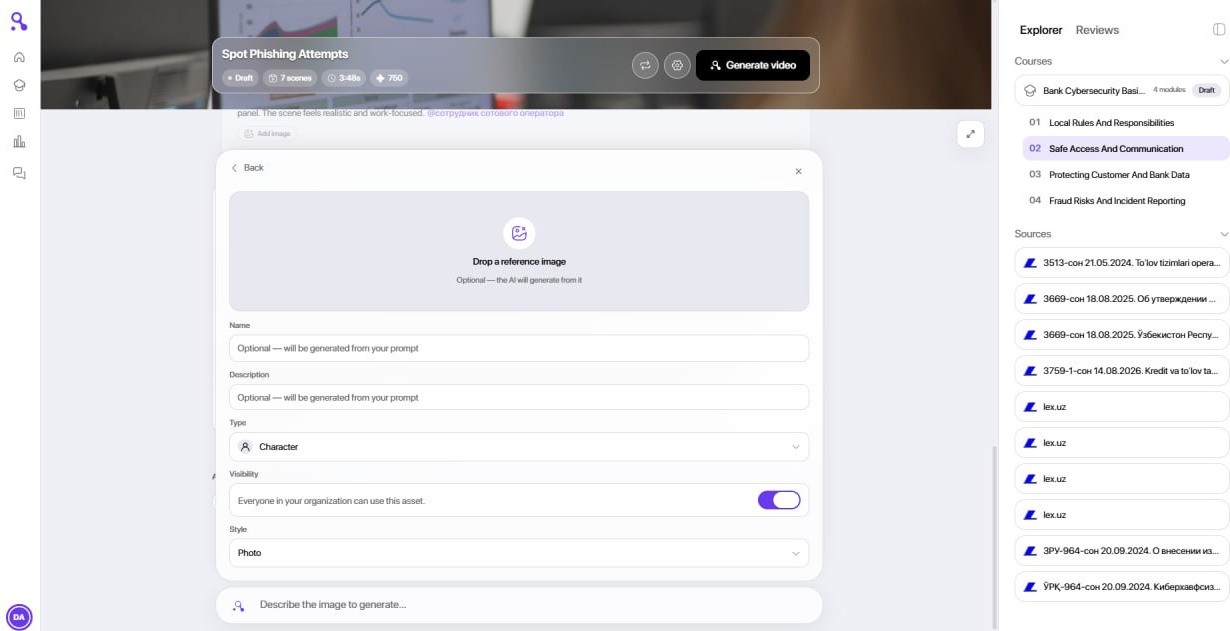
Можно также создавать собственных персонажей и локации, выбирать голос из каталога вместо голоса по умолчанию и решать, откуда брать изображения. Теперь голос соответствует аватару, который говорит в кадре.
Мелочи, которые раздражали
Для новых аккаунтов есть обзорный тур: он продолжается с того места, где вы остановились, на любом устройстве. Сообщения об ошибках простым языком объясняют, что пошло не так. Генерация медиа показывает реальный статус и больше не тратит кредиты, когда не должна. Загруженные файлы недоступны посторонним. Английская, русская и таджикская версии интерфейса дополнены.